 PhotoBoothCam
Your free online
photo booth.
Take photos with your webcam or upload your favorites. Choose a layout, add filters and a caption, then download your photo strip.
Free to use. No account needed.
Photos stay on your device
Camera or upload. Your choice.
High-resolution PNG downloads
How to make
a photo strip
Our photo strip maker runs in your browser. Start with a layout and leave with an image you can keep.
- 01
Choose a photo layout
Pick a two-, three-, or four-photo strip, a square grid, or a Polaroid-style frame.
- 02
Take or upload photos
Allow camera access to take new photos, or choose pictures already on your device.
- 03
Add your finishing touches
Try a black and white or vintage filter, change the frame, and add a caption where the layout supports it.
- 04
Download your photo strip
Save a PNG image to share or print from your device. No account or app installation needed.
Photo strip frames
and filters
Keep the original colors, go soft with pink, or try black and white. Change the background, frame, and filter in the editor.
Make your photo stripScroll to explore the looks
Classic white frame
A simple border that keeps the focus on your photos.
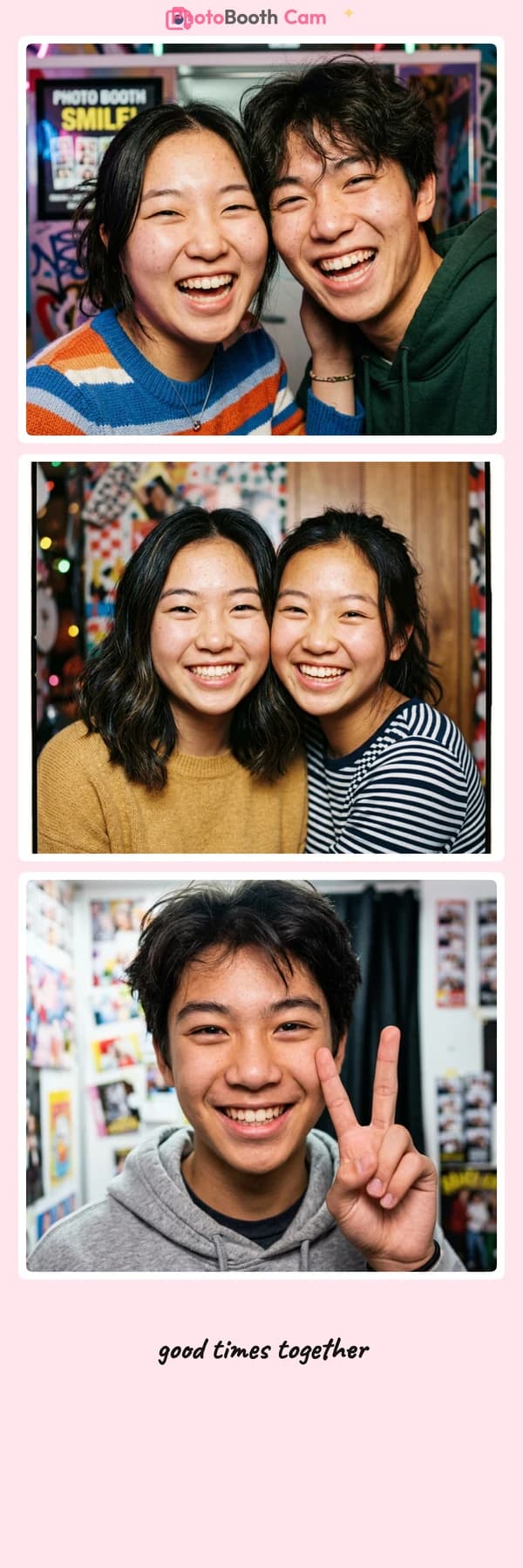
Blush pink photo strip
A soft pink background for a little extra color.
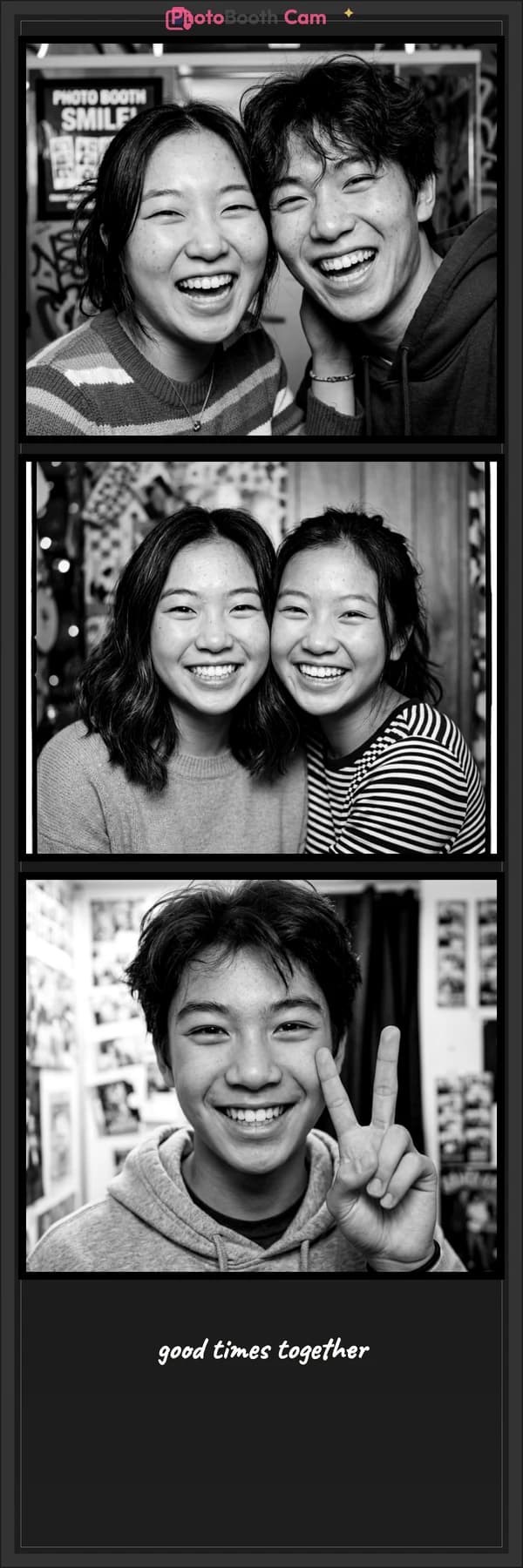
Black and white photo strip
A monochrome filter paired with a dark frame.
Made with our demo photos. Yours will look like you.
A photo booth layout
for your kind of keepsake
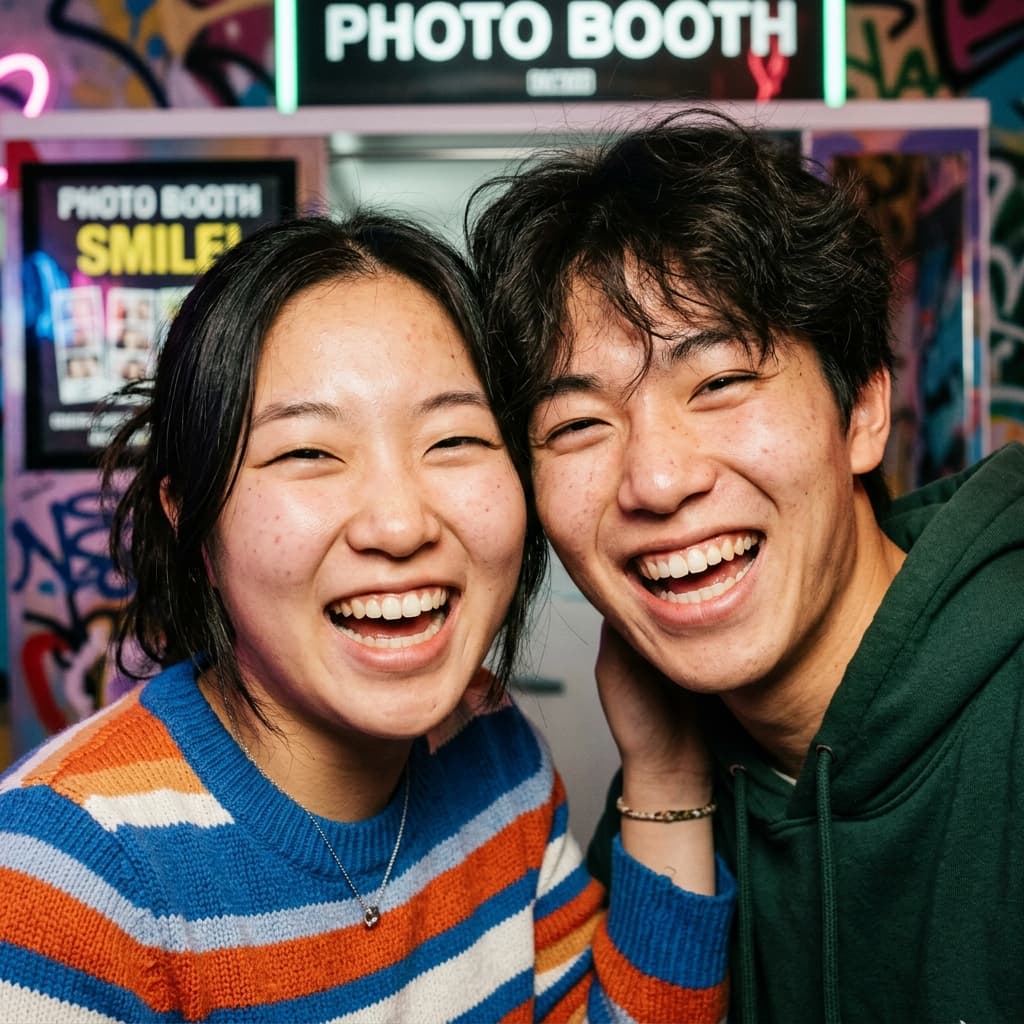
Start with a strip, a grid, or a single frame. These are real exports from the booth, made with our demo photos.
Classic photo strips
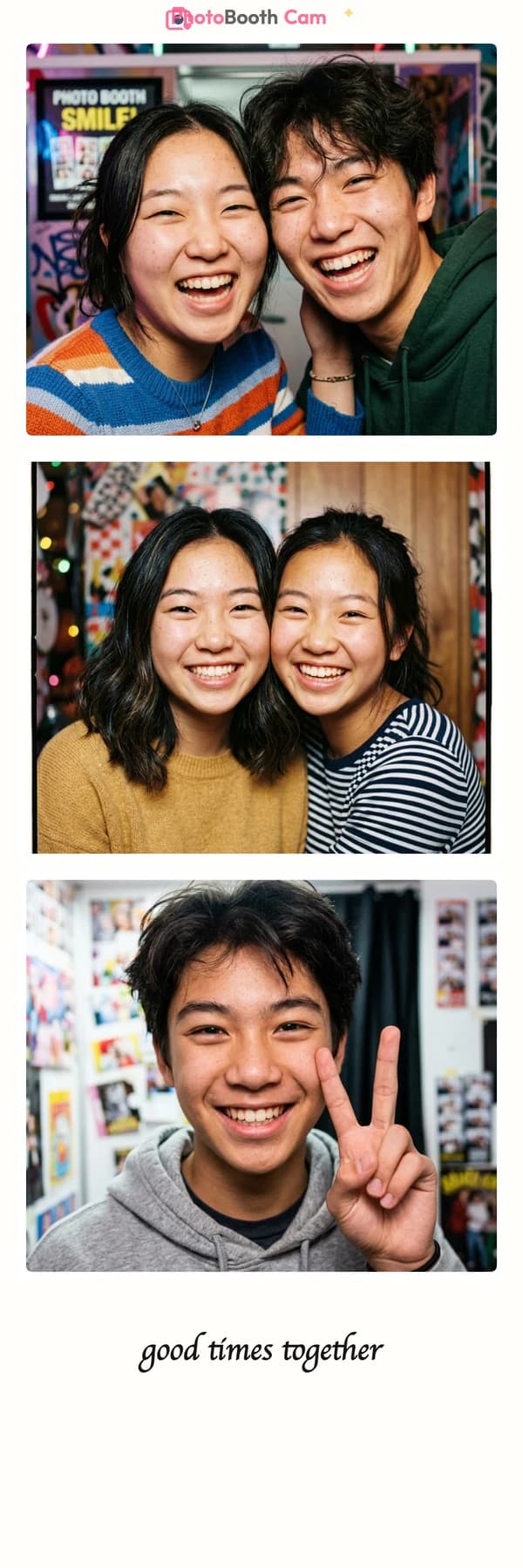
Stack two, three, or four photos in a tall strip. A familiar booth layout for a couple of poses with friends.
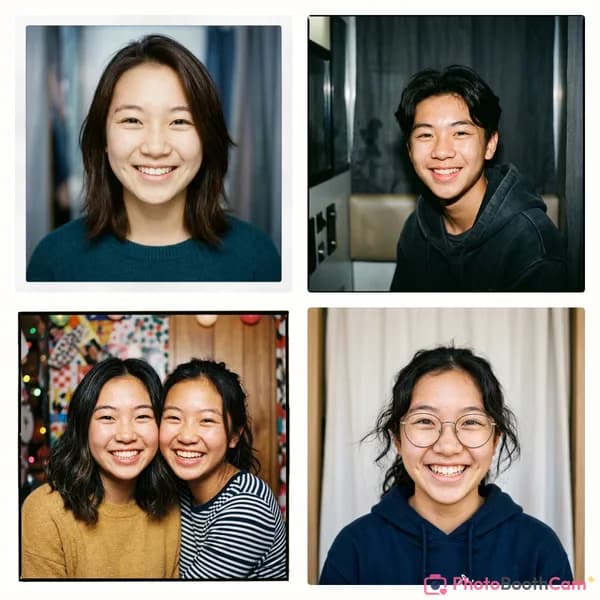
Square photo grids
Fit four photos into a square collage. Use a mix of portraits or bring together a few favorites from your camera roll.

Polaroid-style photos
Give one photo a wide border and space for a caption. A digital keepsake for a birthday, a date, or an ordinary good day.
Use your webcam.
Or start with photos
you love.
A new set of poses or a few pictures from last weekend. Both work here.
A webcam photo booth, right here
Open the booth on your laptop, phone, or tablet and allow camera access. Use the countdown to get ready, then take your photos. You can retake a shot before moving on.
Make a photo strip from existing photos
Choose Upload Photos to use pictures from your device. Add several at once, adjust the crops, then style your strip. Camera permission isn’t needed for uploads.
Your photos are processed on your device. A saved session stays in this browser until you clear it. Read how photo privacy works.
Online photo booth
FAQs
A little help with camera access, saving your photos, and printing your strip.
Is this online photo booth free?
Yes. The layouts, filters, designs, and downloads are free. You don’t need an account or a payment card.
Can I make a photo strip from existing photos?
Yes. Choose a layout, then use Upload Photos to add pictures from your device. You can adjust the crop of each photo before adding frames, filters, and a caption. You don’t need to turn on your camera.
Where do my photos go?
Your photos are edited in your browser, without uploading them to a server. An unfinished session can be saved on this device. Use Reset Data in the booth to clear it. Sharing happens only when you choose it.
Does the photo booth work on phones and laptops?
You can use the booth in a modern browser on your phone, tablet, or computer. Use your device camera or upload photos instead. Camera access and saving options depend on your browser and device permissions.
What if my webcam won’t turn on?
Check that your browser has camera permission for this site and that another app isn’t using the camera. Reload the page after changing permissions. You can also choose Upload Photos or Use demo photos to continue without a camera.
How do I save my photo strip on my phone?
Choose Save & share in the editor, then Download image. On iPhone and iPad, your browser may open a share sheet or the image in a new tab. Choose a save option in the share sheet, or press and hold the image to save it. The options vary by browser.
Can I print my photo strip?
Download your strip as a PNG, then print it from your device or send the file to a print service. The classic strips use a 2:6 aspect ratio and export at 1200 × 3600 pixels. To print at 2 × 6 inches, set that size in your print settings and check the preview for unwanted cropping. PhotoBoothCam doesn’t print or ship photos.
Can I use it at a birthday party or wedding?
Yes. Set up a laptop or tablet with a camera and let guests take turns. Add a caption or date to supported layouts for a keepsake. Download each finished image before starting the next session, and reset the booth’s saved data when you’re done using a shared device.